

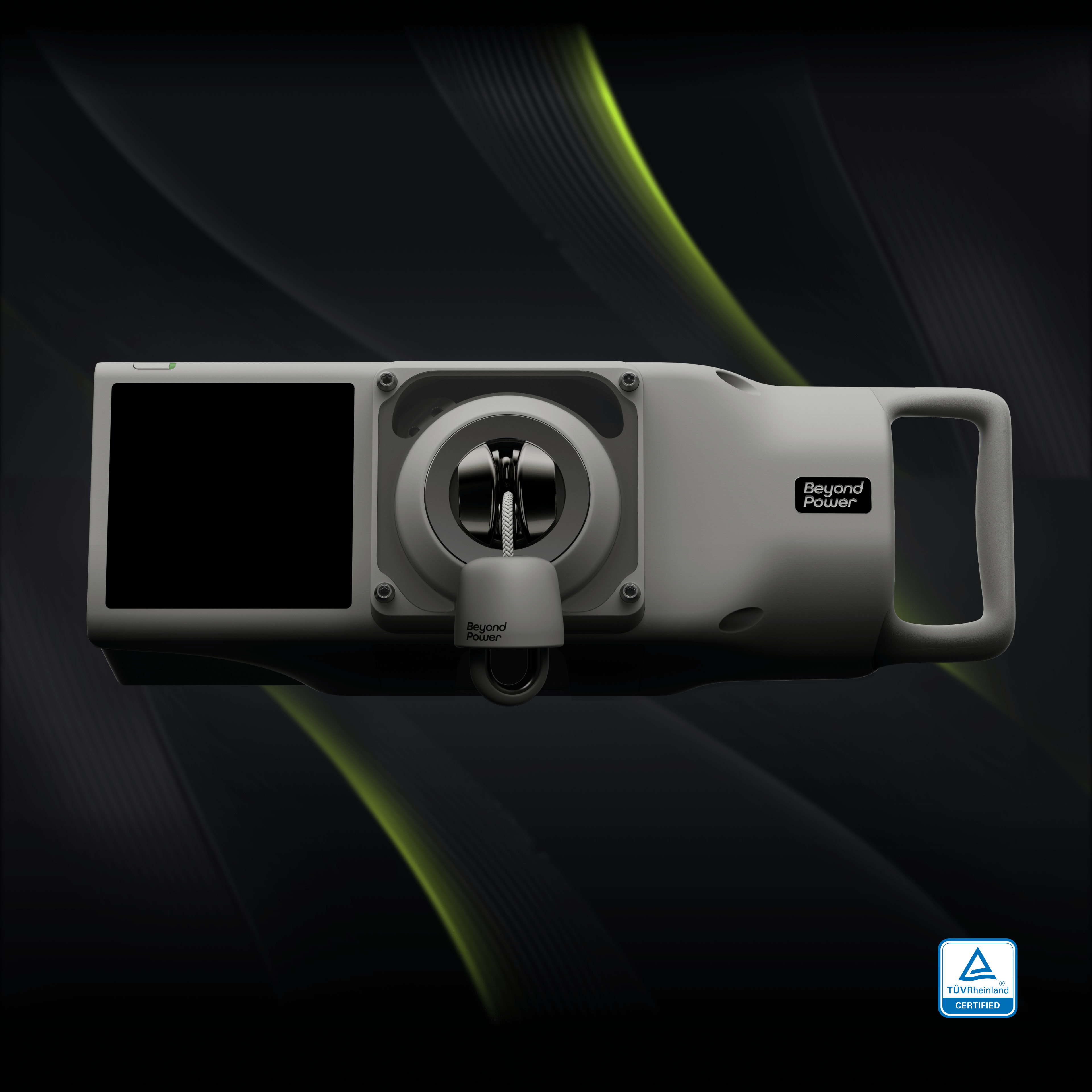


Most training equipment is at its best the day it ships. VOLTRA I was built to work the other way, and Firmware 2.0 is the biggest proof of that yet.
It’s the largest update since VOLTRA I launched, free and delivered over the air to every unit in the field, whether it shipped last week or in September 2023. Smoother reps, more resistance, a new way to train for the sled, and more control over how every lift feels. Here’s what’s new.
DTR: Fast Feels Fluid
Dynamic Tension Response is the change you’ll notice first. Every rep runs smooth from the first inch, whether you’re grinding through a slow, heavy set or moving for speed. Push the pace and VOLTRA responds quicker, while the load stays exactly where you set it. DTR doesn’t change the weight mid-rep. It changes how cleanly that weight follows you.
You’ll feel it on the lifts you already do: even from the first inch to lockout on belt squats, clean through the pull and the turnaround on rows, fluid through the full rotation on woodchops.
Before your first DTR set, VOLTRA walks you through a quick calibration on screen.
230 lb, Delivered Over the Air
Max resistance is now 230 lb / 104 kg on every VOLTRA I ever sold. Same machine, thirty more pounds.
Getting there took more than raising a number. Holding stable, repeatable resistance at 230 lb meant improving motor control, power management, thermal management and safety protections together, then sending all of it to every unit on every rack.
One practical note: like any motor-driven system, higher sustained loads draw more battery per session, the same way 150 lb runs down faster than 60 lb today.
Sled Pull: Go Heavy, Non-Stop
Sled work without the sled, the turf or the lane. Resistance is tuned for sled pulls, so every pull flows straight into the next.
• Race Presets: every HYROX race division’s sled weight in a tap, or set your own.
• Any Distance: match race distance or go past it, with distance and time tracked live.
• Virtual Switch: builds in the run to the other end of the lane after every 12.5 m pull, with a countdown into the next one.
• Performance Overview: see where the time goes after every set, with pull vs. recovery splits, meters per rep, active % and average power.
A quick note on the numbers: sled weights are simulated to recreate a sled’s friction, so the figure reflects sled weight, not cable resistance. That’s why some presets read above 230 lb.
Mountain: Rise. Peak. Ease.
Mountain is a new resistance profile that peaks mid-range and eases off at both ends. It’s heaviest where curls, lateral raises and pulldowns are strongest, so a familiar lift gets a fresh stimulus without changing the lift itself.
It also completes the set. Chains build load, Inverse Chains ease it off, and Mountain peaks in the middle, all one tap away. Use it standalone or with the machines you already own.
Shape It Your Way
Percentage Control lets you dial in Eccentric, Chains, Inverse Chains and Mountain as a percentage of your set weight, so a setup you like is easy to repeat. And with Home Screen Reorder, the functions you use most sit right up front.
Project Overdrive: 250 lb, Now Open to More of You
If you’ve been reading the fine print, you saw this coming. We’ve been testing VOLTRA I at 250 lb / 113 kg since the first Firmware 2.0 beta, and now we’re widening the door. Overdrive is built into 2.0 as a beta. Request access on Beyond+ to take your VOLTRA I to 250 lb.
Built With Our Beta Testers
To everyone who ran Firmware 2.0 before it was finished: you took 230 lb to its limits, logged the sessions and told us exactly what felt off. This release is better because you did. Thank you.
The Machine That Refuses to Be Finished
Three years and six major updates, every one delivered to hardware people already owned. Firmware 2.0 is the biggest so far, and every release is dated and public, so you don’t have to take our word for it.
If you’ve been holding out for a second generation, this is how generations arrive here: over the air, onto the machine we already sell. Waiting buys you nothing. The VOLTRA I you’d order today is the one that just got stronger.
And we’re not done. There’s more where this update came from.
How to Update
Connect your VOLTRA to Wi-Fi, then go to Settings > General > Firmware Update. A few taps and you’re on 2.0, free on every VOLTRA I.
Every change, big and small, is listed in the Firmware 2.0 release notes.
Your VOLTRA is stronger than the day you bought it. Go feel the difference.


