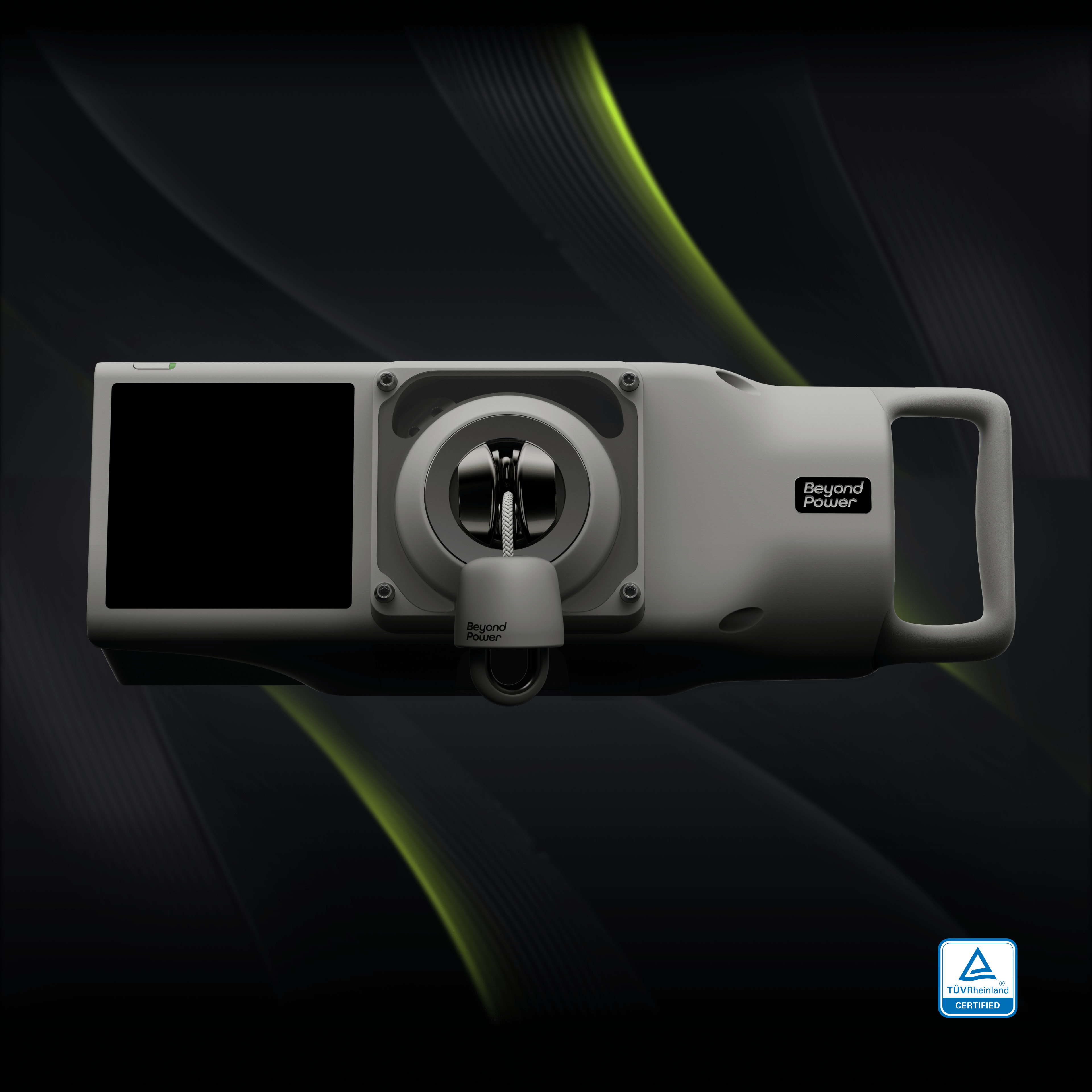
Adaptive Bar Mount
Check your VOLTRA device coverage, warranty status, and manage your Beyond Care plan.
Enter your device serial number (SN) to view coverage and manage your plan.
How to Get the Serial Number (SN):
In most cases: Go to Settings > General > About > Serial Number. For more details, please
Point the camera at the serial number QR code.
Enter the serial number to add this device to your current overview.
Your Beyond Care renewal subscription starts today with no upfront charge.
You can manage or cancel auto-renewal anytime in Device Center before your next billing date.
Enter a serial number and click "Check Status" to view coverage details.
Enter your device SN. We’ll send a 6-digit verification code to the email used to pay for the subscription.
We’ve sent a verification code to ***@example.com. Enter the 6-digit code.
Your current paid coverage remains active until the billing term ends.
Canceling auto-renewal will stop future renewals only. Your active coverage will remain valid until the current billing term ends.
VOLTRA requires a secure mounting setup for use. Add a Beyond Power mount, or continue if you already own a compatible mount.
Select an option to add to your order, then continue to checkout.